
Design Showcase
GHBER Website Build
Hero Section
Full-Viewport Video Hero
The hero opens with a looping video that fills the entire viewport — no overlays, no gradients. The raw visual storytelling drives immediate impact. Navigation lives cleanly above, while the GHBER identity anchors the left panel with the tagline, CTA buttons, and logo lockup.
Donation Feature
Donate Now — Interactive Modal
Donate to GHBER
Help us promote ethical business practices across Houston's community. Thank you for being a #EthicsChampion!
The Donate Now feature is powered by Givebutter — the recommended integration for nonprofit fundraising. The modal surfaces as a focused overlay featuring a live fundraising progress bar, frequency tabs (One-Time, Monthly, Quarterly, Yearly), a fund designator dropdown, preset gift amounts with descriptive labels, and a custom amount field. Givebutter handles payment processing, donor management, and campaign tracking — all embeddable directly into the site.
President's Message
Leadership Spotlight
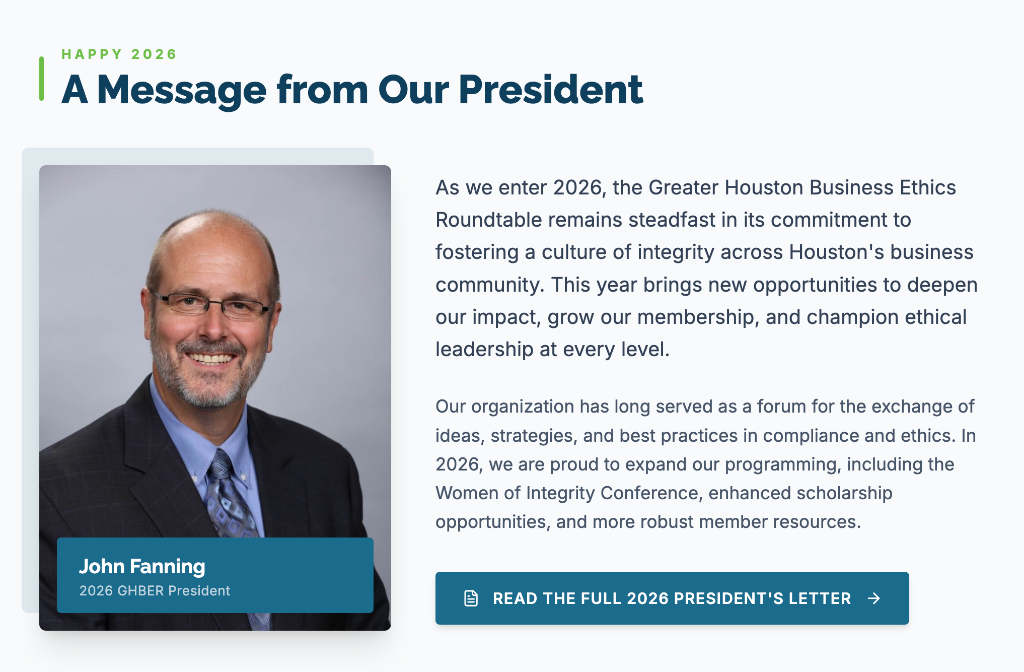
A warm, editorial-style section that pairs a professional headshot with a personally authored message from the 2026 President. The photo sits in a framed card with an identity overlay badge, while the message and CTA to read the full letter create a sense of personal connection and credibility.
Corporate Members
Infinite Partner Logo Carousel


The corporate members section anchors organizational credibility. An infinite-scroll horizontal logo carousel runs automatically, with smooth edge fades masking the loop seams. Logos render in grayscale at rest and gain full color on hover — a subtle detail that rewards engagement. A prominent CTA invites new corporate partners.
Member Catalyst
Why Join GHBER?
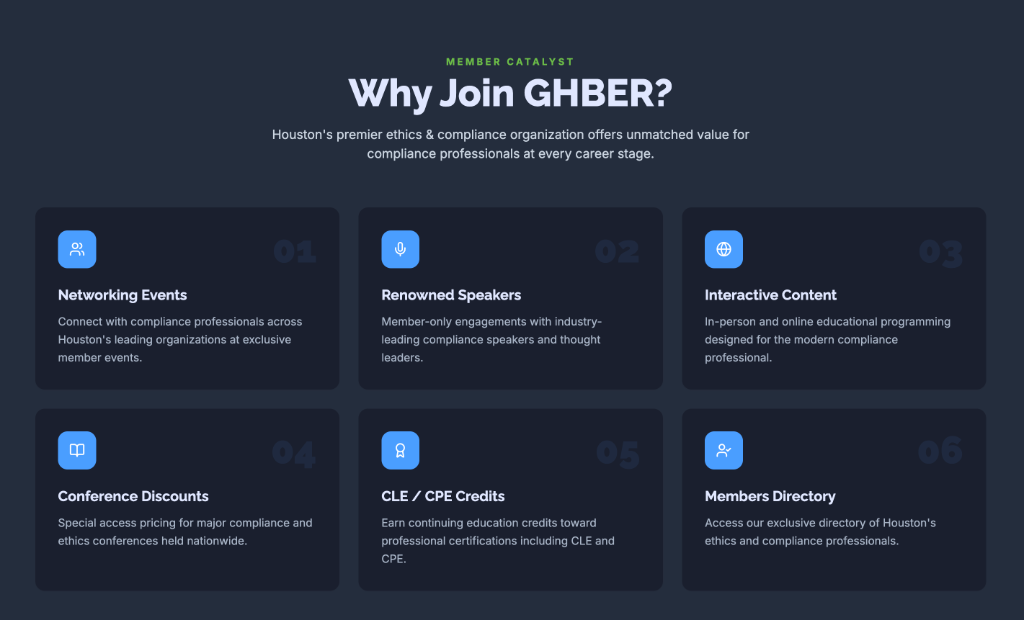
Six membership benefits are presented in a dark card grid, each featuring a numbered badge, a teal icon tile, a bold benefit title, and a concise description. The dark navy palette creates strong contrast and a premium feel. Numbers watermark each card at large opacity in the background, adding visual depth without cluttering the layout. A final CTA bar rounds out the section with a Join and Learn More action.
Events
2026 Event Calendar
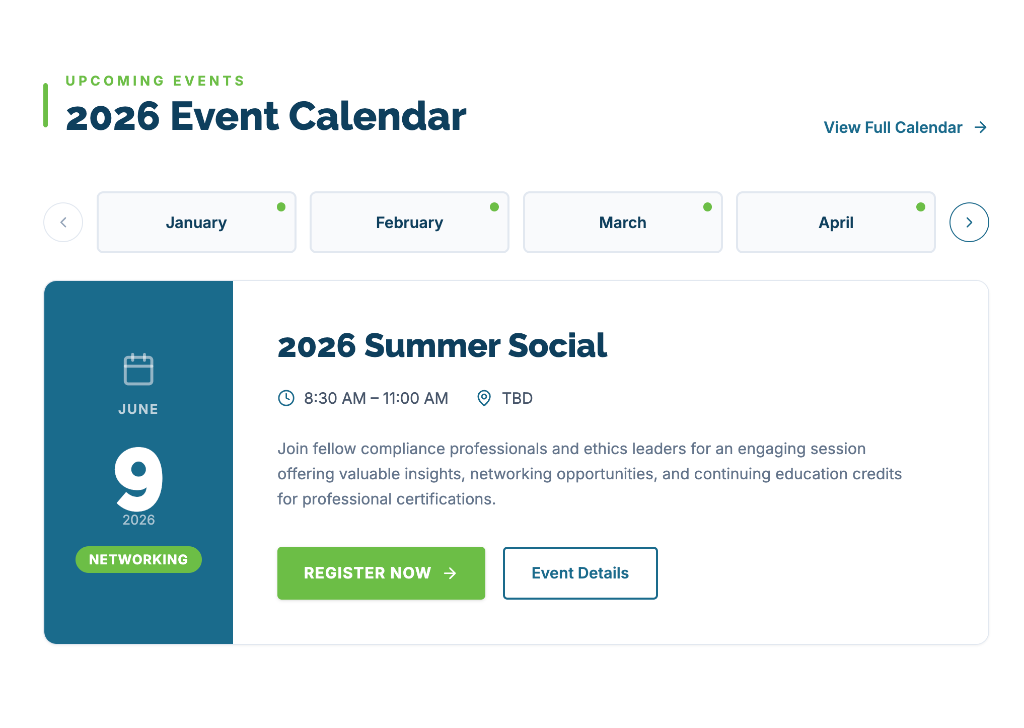
The calendar section allows users to navigate months via a horizontal tab strip with active-event indicators. Selecting a month reveals a two-panel event card: a teal date column on the left shows the calendar icon, month, day, year, and event category badge — while the right side displays the event title, time, location, description, and Register Now / Event Details CTAs. The layout is fully animated and responsive.
GHBER Website Showcase · Built with Base44